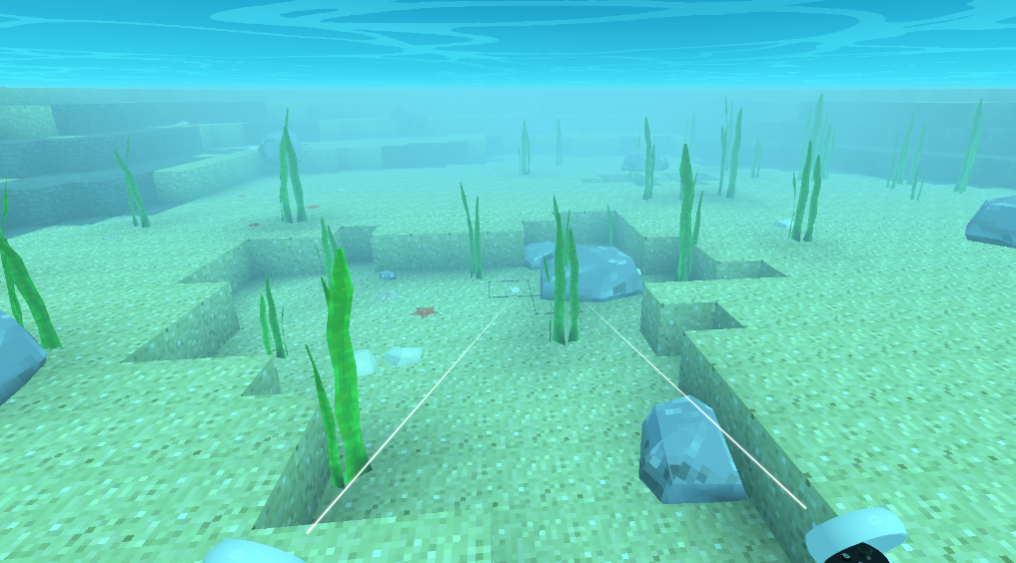
Zotbox – Block Textures

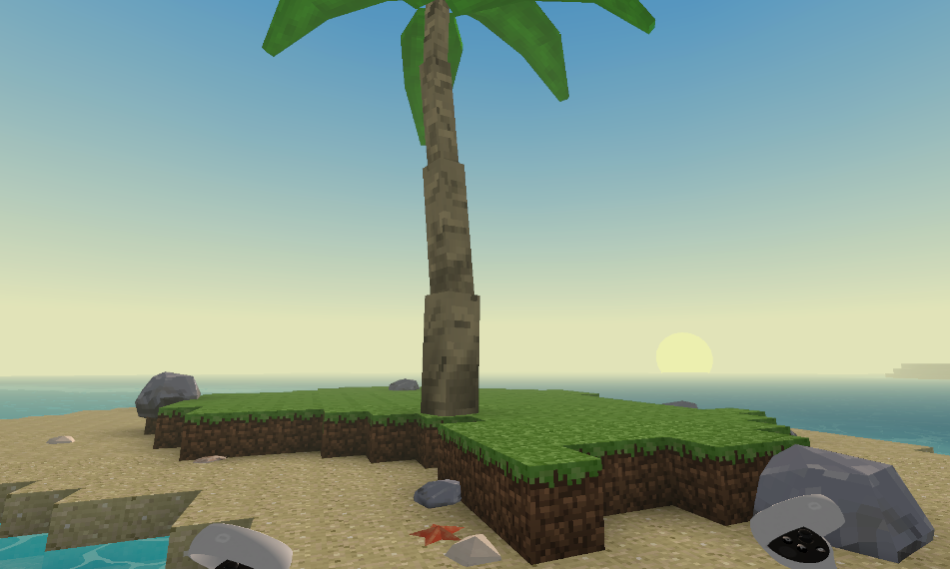
So finally I am working on my own set of block textures and like programmer art there is also such a thing as programmer art style! Yes I am attempting to develop my own art style or aesthetic. Here is an example of the side of the grass block.
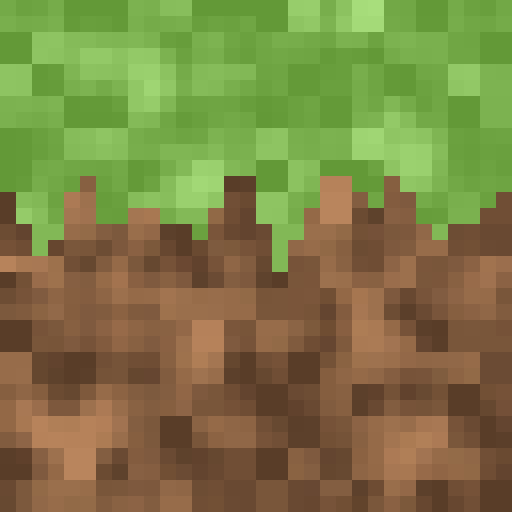
This approach looks really nice in VR. The sweet spot for textures to have a nice retro pixel art look is about 32 pixels per meter. Then it varies up and down. For larger objects the pixels become larger so it doesn’t start looking high resolution and smaller objects the pixels are smaller to allow for some detail. For example the palm trunks and rocks have a smaller texture while the butterflies have a larger texture.

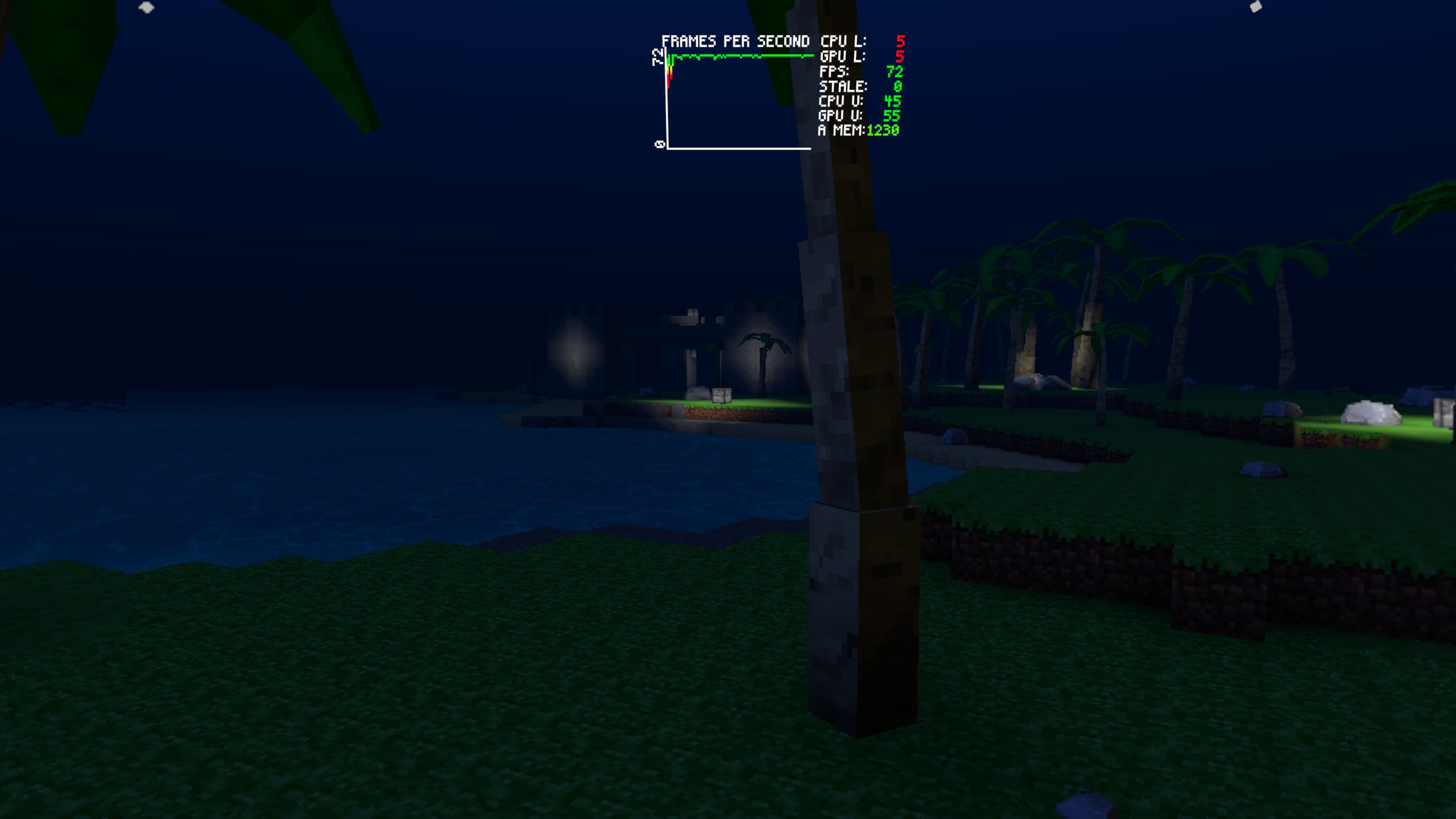
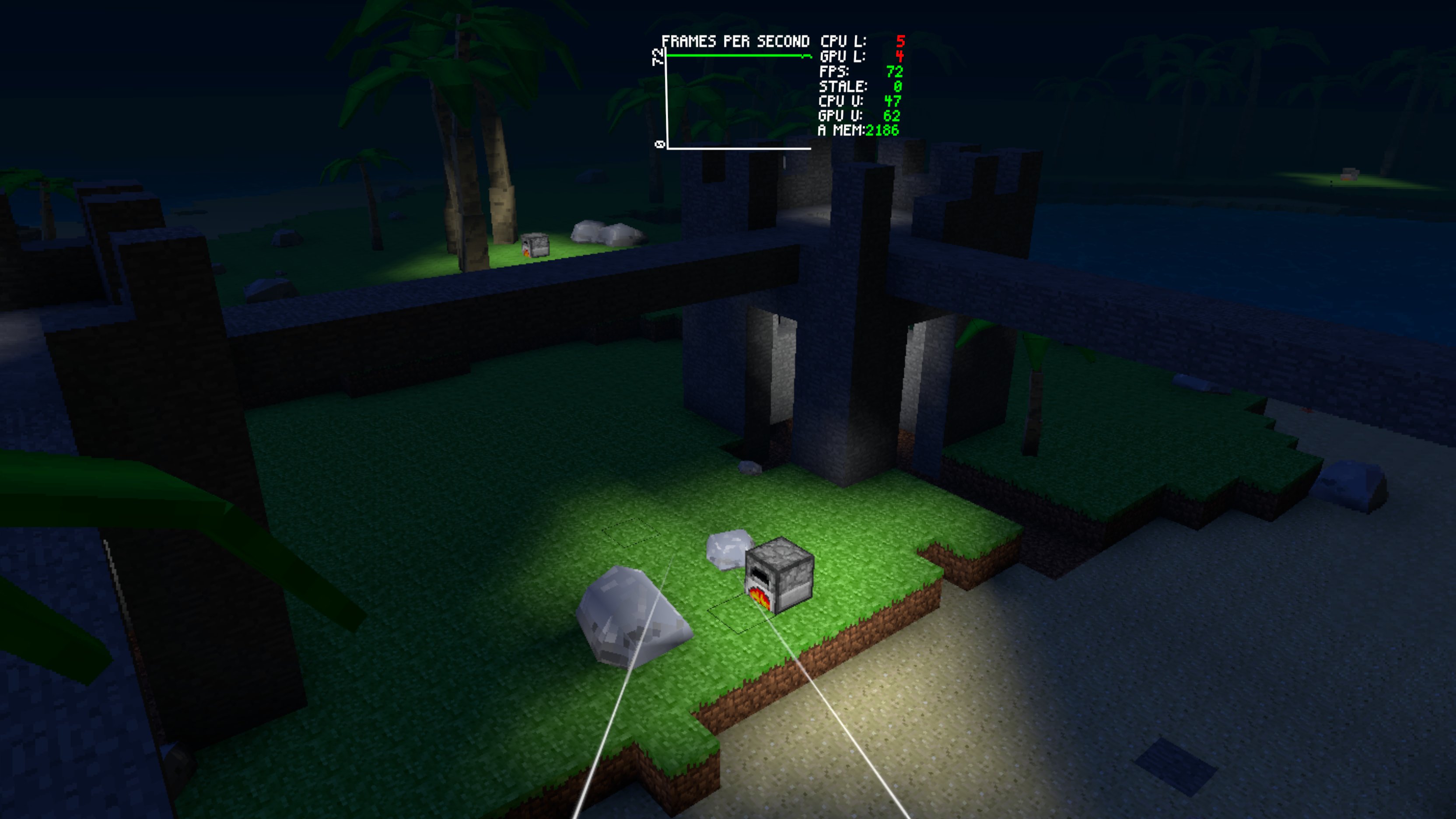
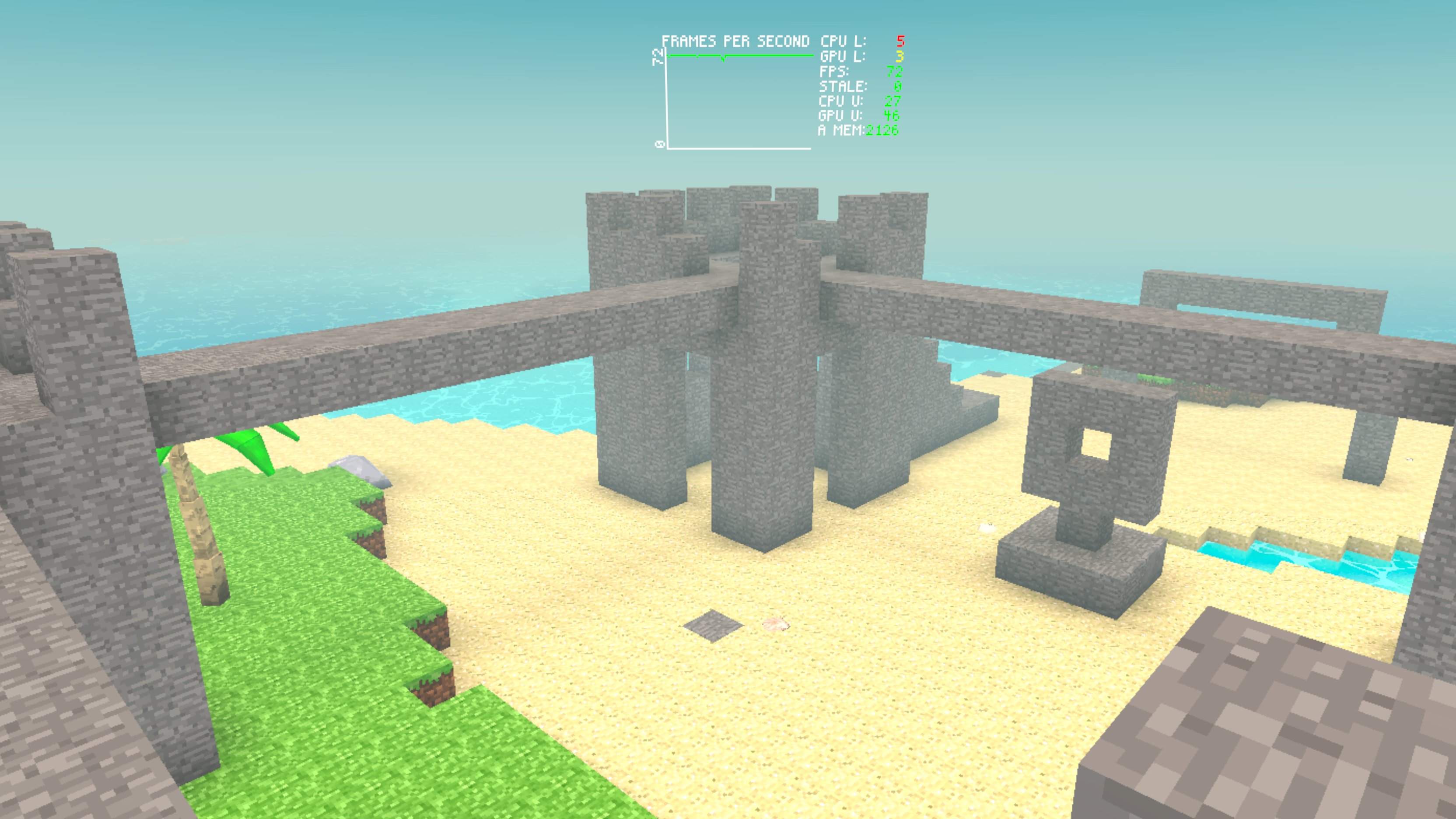
For the blocks I try to maintain the 16 pixel texture (32 pixel per meter) look while taking advantage of twice the resolution. In Blockbench I block out the color using a 16×16 texture then scale it up and add additional detail while keeping some of the 16×16 structure. Here are a couple of screenshots showing them.

The dirt, grass, stone, and sand blocks are the new ones. I am still following a color palette similar to vanilla Minecraft though because that is classic!

Share This:

Zotbox – Details

I have been working a great deal on performance issues lately around adding detail models into Zotbox. I wanted to explain the changes and progress since it may help other developers working with similar designs. My goal for Zotbox and Lost Loot is to achieve a fairly dense environment which means lots of trees, bushes, grass etc. This is extremely difficult in mobile VR. I am excited to have made some solid progress recently! Here… Continue reading

Zotbox – Sunset Walk

Here is a nice sunset walk with some test plants using the alpha clipping option in the detail models! I had to reduce the trees some so Quest 2 can handle it better. I will eventually have more lush areas vs dry areas with different grass blocks and plants. The palm trees will be clustered in these lush areas so there won’t be as many but it will look more natural.

I am quickly realizing the SRP batching even when it is working well isn’t going to cut it for lots of smaller terrain details. In these scenes it is usually dropping draw calls from many hundreds to under fifty. But it has overhead and I am running into performance walls here with Quest 2 which is my baseline.

It is definitely time to work on block models which could handle things like smaller grass and flower details better. These would be meshed into the chunks directly and the only overhead is additional vertices/triangles to render. I also need to start making my own block textures and building an atlas based on what is defined for the regions.

I feel the lighting can work the same way with the block models by introducing some amount of occlusion in the blocks they occupy. You will notice that here when I throw down the torch at the end. The plants block the light some just like the rocks.

Share This:

Zotbox – Movement

After trying out a few different interaction frameworks I settled back on Hurricane VR which I used before and really like – physics based interaction is so important for presence, agency, and immersion. Here are the basic options for smooth/dash movement and smooth/snap turning. This follows the same controls as HLA which I really like and consider a standard. There is sprinting, jumping, crouching, and an initial setup for left vs right hand. I am currently working on the basic inventory/container system and item/weapon handling.

Share This:

Zotbox – Lighting

It’s been a while since I’ve made a longer post, so I wanted to share all the progress I’ve made on the lighting system in Zotbox and explain some of the technical details behind it. While I’ve shared bits and pieces before, I didn’t go into much depth about how it all works. This is just the first iteration of my work in this area, and I have plenty of additional features and improvements planned… Continue reading

Zotbox – Day/Night

Here are some images showing the first pass on the day/night cycle. I have been using a mobile friendly sky dome system which has worked well. I had to build my own gradient generation tool and update the texture to have the horizon color higher and get the fog color matching as time progresses.

With the sky and fog color in sync for the horizon the chunks and detail models fade in/out with movement. The horizon color then transitions in a gradient to the sky color at the top. This is simple and works well for the art style.

I spent some time experimenting with procedural sky box shaders but they are just too expensive. Even the simplest design is like a full screen effect – expensive shader times lots of pixels.

Next I am going to work on the sunset being a different color – more orange. I also want to get the cloud system working which will be tinted with the horizon color.

And for the tech artists out there here is the custom sky dome gradient texture!

Share This:

Zotbox – Underwater

A few images of the underwater lighting as I work on the day/night cycle for Zotbox. These are during the day at three depth levels. The first is the shallow areas with a clearer more turquois color.

The second is the deeper areas with a bluer darker color. The ocean test biome I have going makes large seagrass at these lower areas which are about as tall as a person. There is also a shot showing the headlamp light at this depth.

The last is from the deepest areas where the color is a dark blue and the light level keeps going down until it is black. These areas have little or no seagrass and require a headlamp to see.

Share This:

Zotbox – Global Illumination

I am excited to show off a preview of the block based global illumination in Zotbox. This is similar to the vanilla Minecraft skylight plus block light GI approach. However if you look closely you can see how the detail objects like the rocks and trees are also lit correctly.

For example the rock is lit on one side with the light and casts some occlusion on the back side. This is a combination of the GI and the detail objects ‘occupying’ blocks. The block lighting is then applied to the detail models as vertex colors. It makes a really nice basic lighting effect.

The scene is just one I made quickly on the Quest 2 while playing around and testing with some very rudimentary building tools. It’s just like Minecraft – running around adding and removing blocks. Loads of fun in VR!

Share This:

Visual Studio Code

For all the Unity devs out there – switch to Visual Studio Code now!

I have been doing a fair amount of Web3D work in the past few years and started using it a while ago for frontend development with Babylon.js and React/TypeScript etc. I have now been using it with Unity for a year or so and will never go back to Visual Studio.

Visual Studio Code is a fantastic IDE with full Unity support and is a dream to work with. It’s just cleaner, simpler, and has a more streamlined workflow. Unless you have some complex need for Visual Studio switch now, and don’t look back.

Here is Visual Studio Code, the Unity for Visual Studio Code extension, and the .NET SDK which is also needed.

Share This:

Zotbox – Ambient Occlusion

I’ve been working on the lighting system for Zotbox, and here’s a sneak peek of the block-based ambient occlusion applied to the blocks and detail models including the blocks the detail models ‘occupy’! This really elevates the block visuals and helps to ‘anchor’ the details in the terrain.

Share This: